
LAST UPDATED
21/01/2026
Delete & Restore Users Flow
Explains the secure process for deactivating user profiles and the steps required to restore access when necessary.
Onboarding

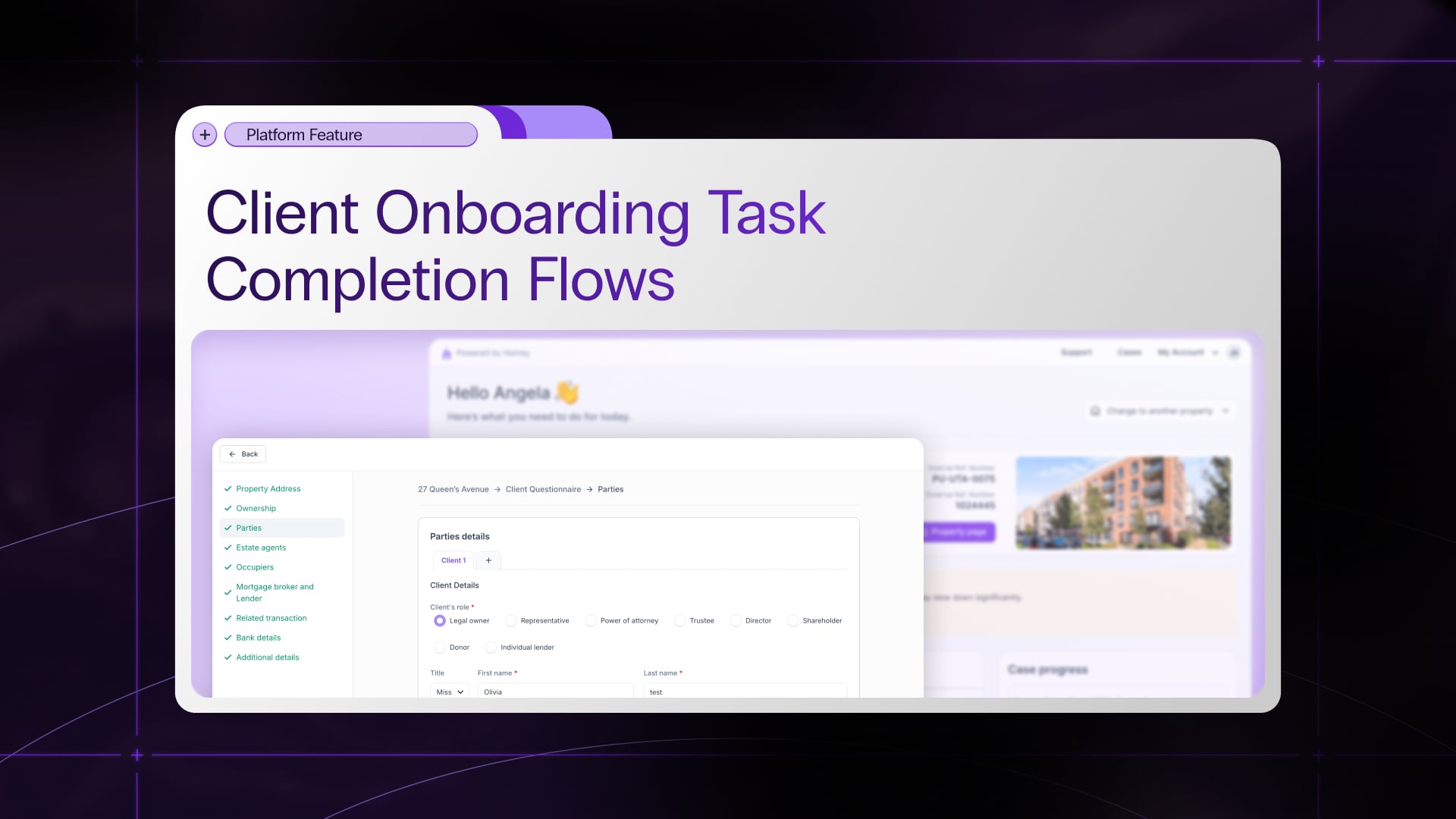
Safe User Management - Soft Delete with Restore
Previously, deleting users meant permanently removing them and losing their historical data and activity records. With this feature, users are "soft-deleted" (deactivated). They lose access immediately, but their data, messages, and case associations are preserved for audit purposes.
Historical Integrity
Deactivated users cannot log in, but their names and contributions remain visible in case histories and notes. This ensures that audit trails remain complete and users can always see who performed past actions, even if that employee has left the company.
One-Click Restoration
Administrators can restore deactivated users with a single action. This reactivates their access with previous roles and permissions intact, making it easy to manage temporary leaves, sabbaticals, or accidental deletions without re-entering data.