DATE
30/12/2025
Notes Attachments & Visibility Control
Keep all case documents and notes centralised, secure, and properly categorised
Documents
Notes
Feature Published Date:
December 2025
Feature Coverage:
Professional Dashboard · Case Documents · Notes Modal
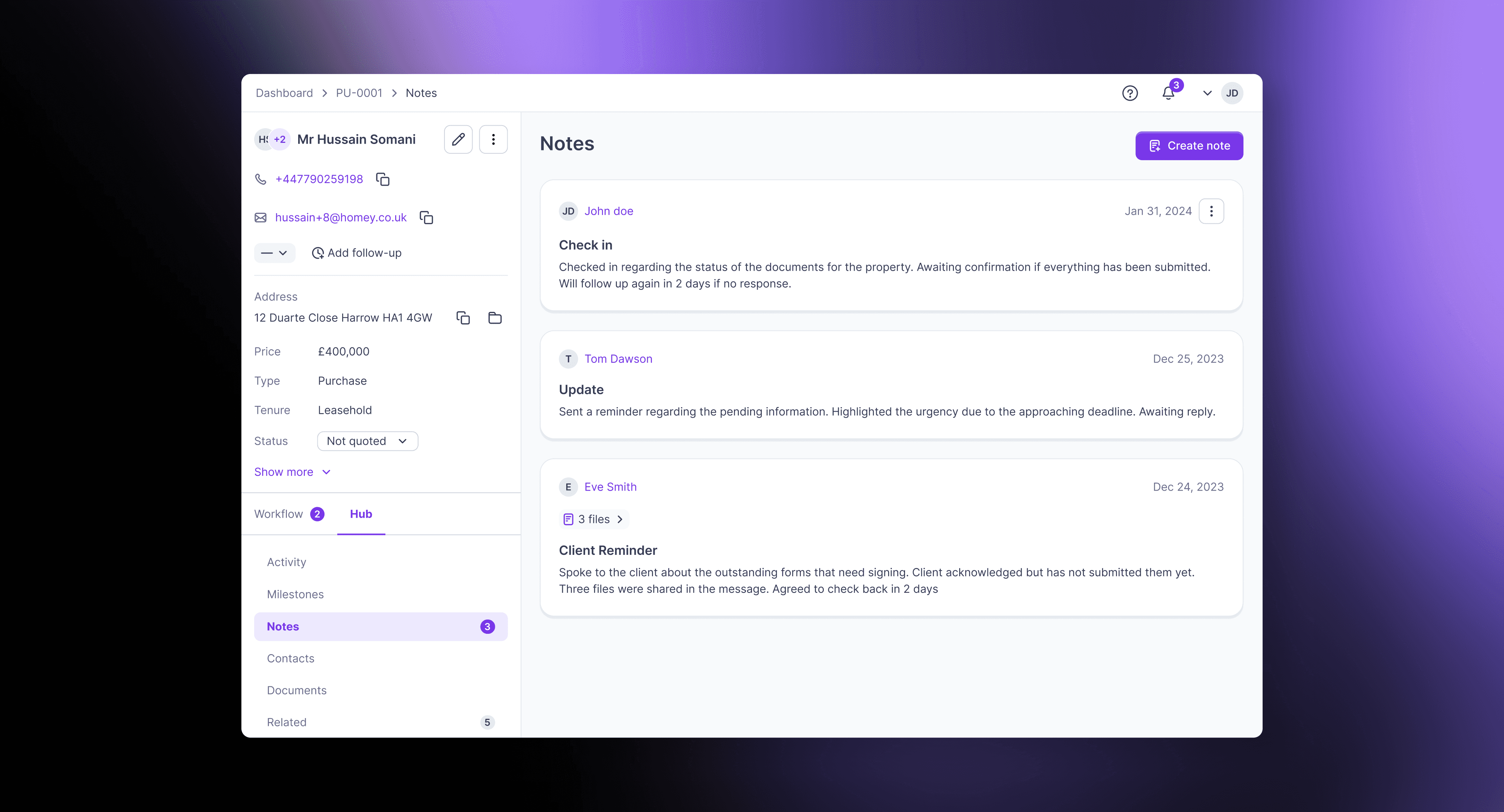
Centralising notes and attachments
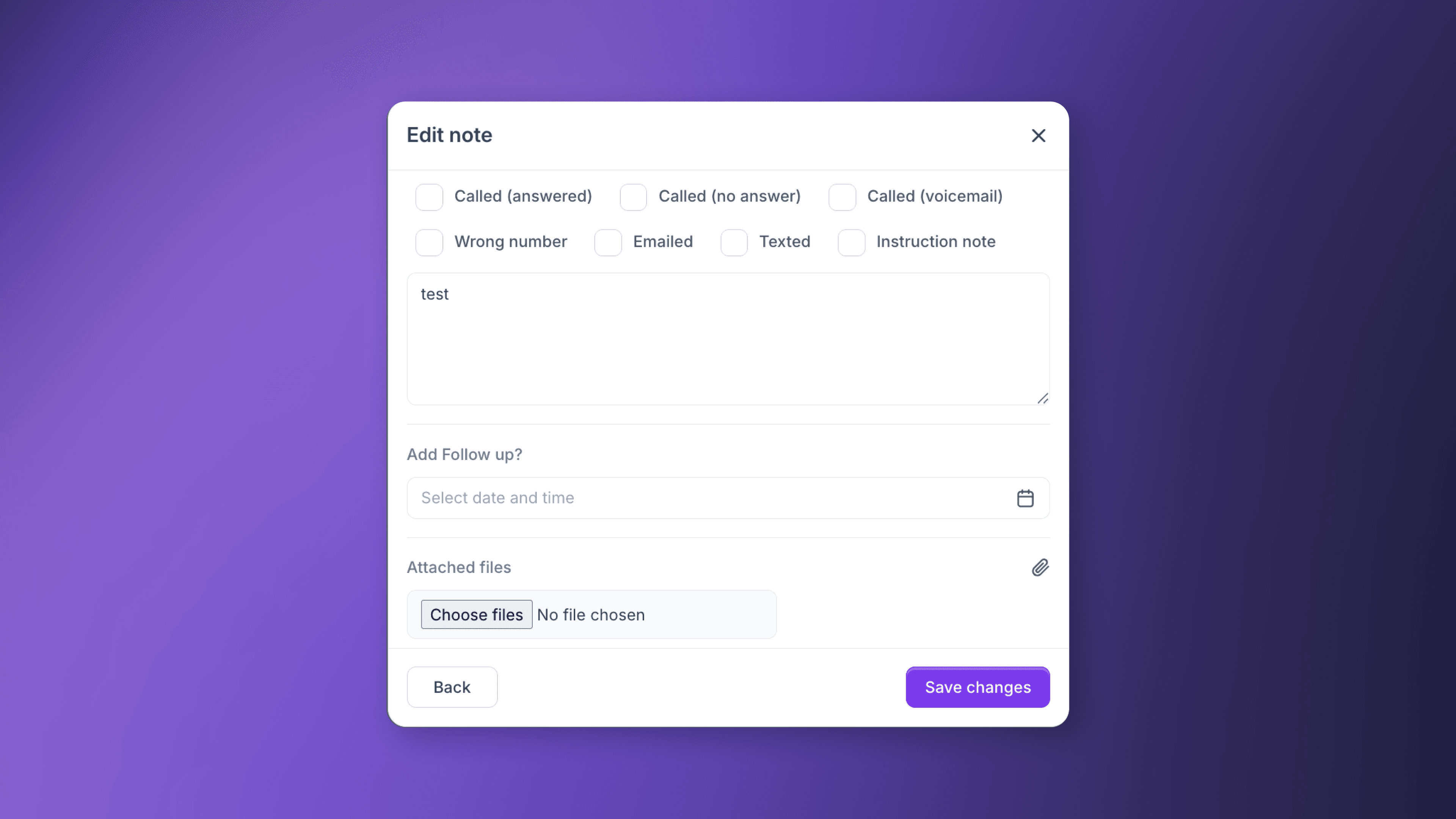
Previously, files attached to notes were only visible within the note itself, making it difficult to locate them in the main Documents section. With this feature, any file uploaded via the Add Note modal is automatically reflected in the Documents section, fully tagged and timestamped.
This ensures that all case-related documents—whether uploaded directly or via notes—are consolidated in a single, organised repository.
Mandatory tagging for attachments
When attaching a file to a note, users must select a tag from a predefined list, including contracts, SDLT, surveys, forms, and more. This categorisation ensures easy retrieval, proper workflow alignment, and prevents misplacement of critical documents.
Flexible visibility settings
Users can select one or more groups using checkboxes.
Default: all groups selected (visible to everyone).
Backend enforces visibility; restricted notes do not appear for unauthorized users.
Attachments inherit the same visibility as their parent note.
Notes are clearly tagged in the Notes list, e.g., [Everyone], [Agents Only], [Solicitors Only].
This prevents sensitive internal notes from being visible to external stakeholders while maintaining transparency where required.
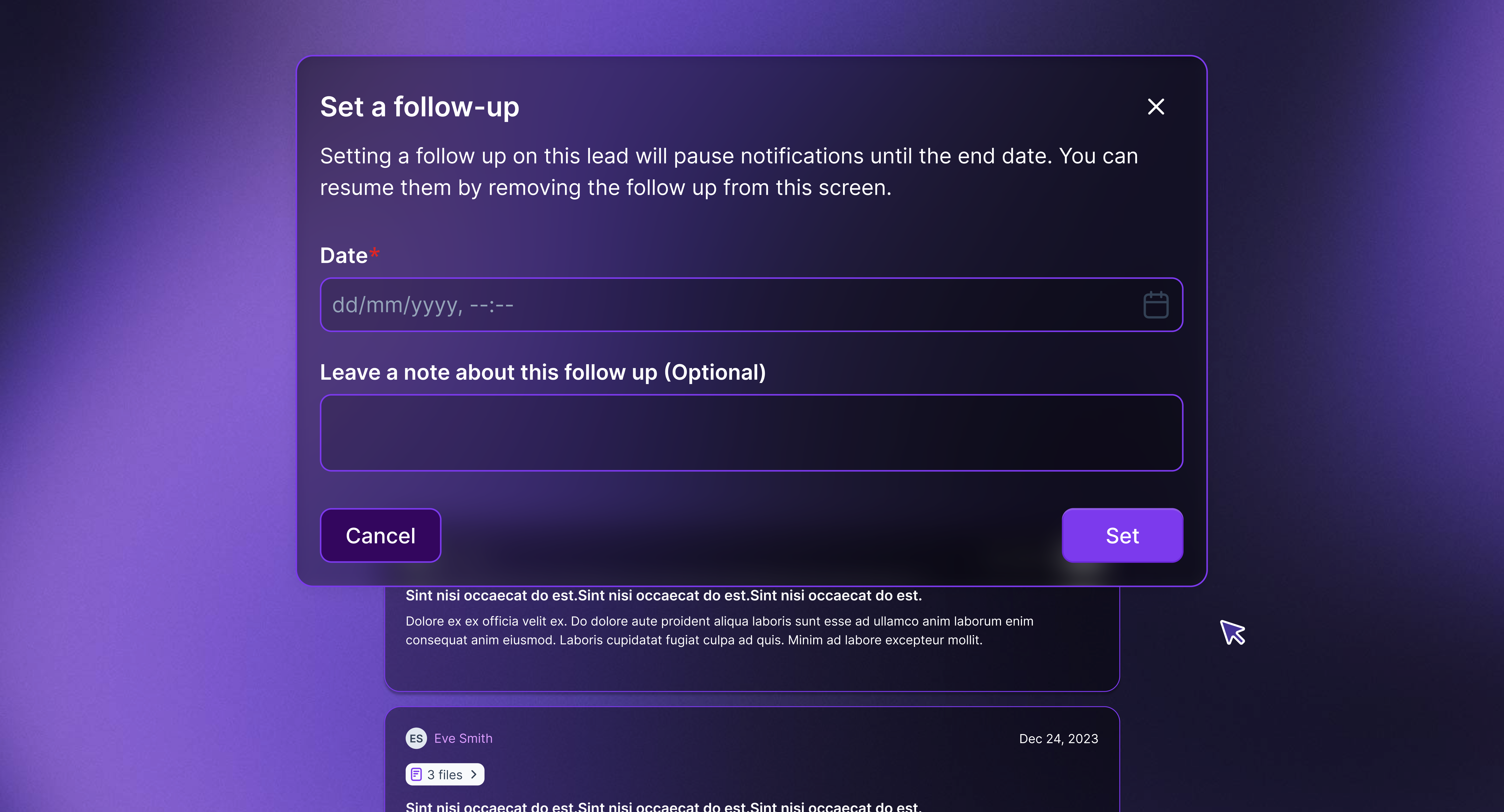
Historical tracking of follow-ups
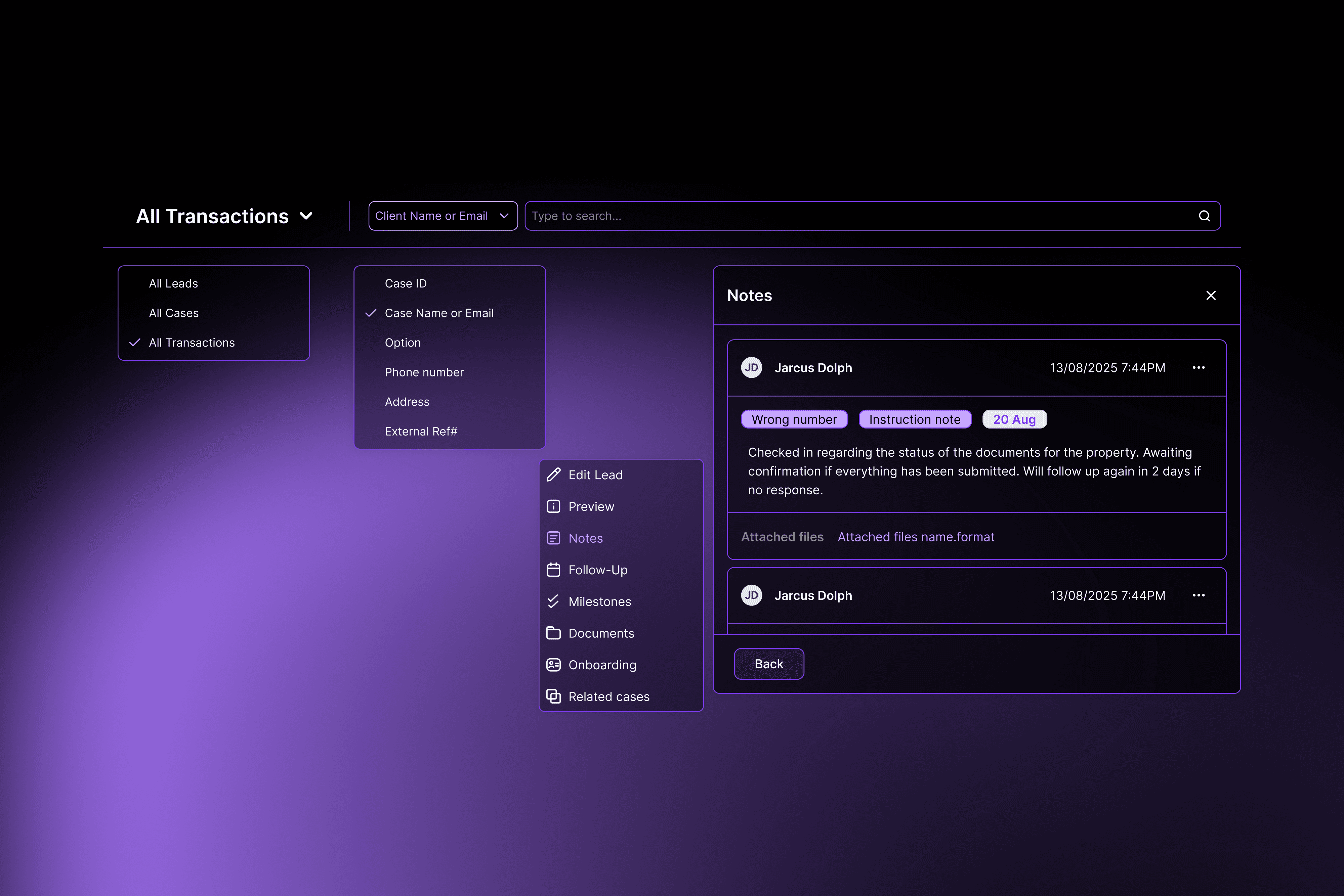
The Follow-Up functionality now logs every creation or edit as a new historical note, rather than replacing the previous entry. This ensures full traceability of follow-up updates over time.
Follow-up creation and deletion logic
Each new or edited follow-up generates a separate note in the case history.
The dedicated follow-up section on the left of the case dashboard always reflects the latest follow-up.
If a follow-up note is deleted:
The left-side follow-up reverts to the previous note, if one exists.
If the only follow-up is deleted, the section is cleared.
This preserves a complete timeline of follow-up actions, improving auditability and reducing errors in case management.
Activity feed improvements
All actions on notes—including adding, editing, deleting, and changing visibility—are tracked in the Activity feed.
Smart activity logging
Notes content is only displayed if the user has permission. Otherwise, the feed shows:
“John Smith added a note”
“Jane Doe edited a note”
Visibility changes are logged separately, e.g.:
“John Smith updated note visibility: Agents → Agents + PM”
Links to notes are only available to users with the correct access rights.
This ensures full traceability while respecting privacy and visibility restrictions.