DATE
02/02/2026
Lender Panel Management
Centralised control for Owners and Managers to view, assign, and update lenders directly in Homey.
Dashboard
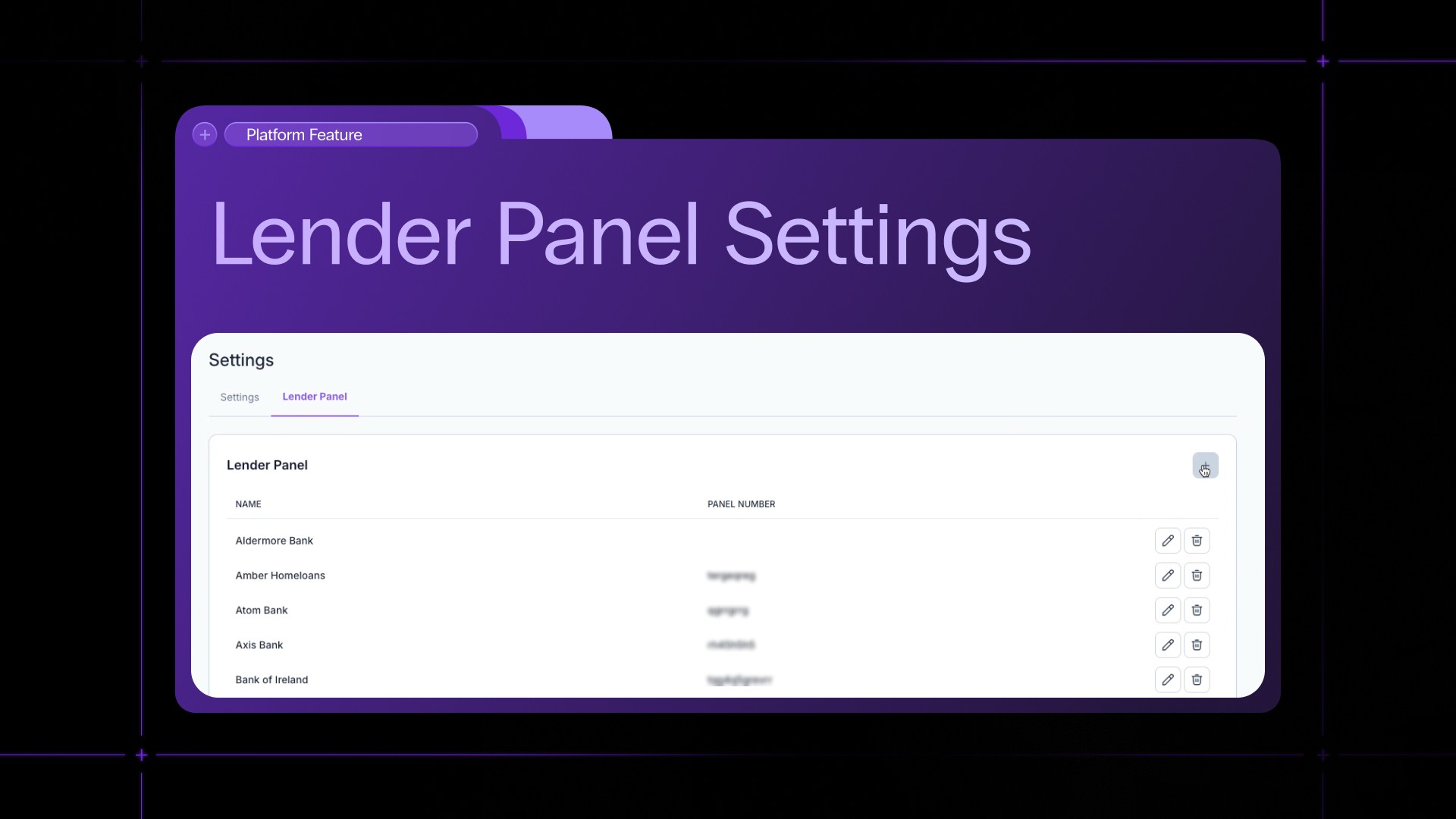
Lender Panel Settings
Feature Published Date:
February 2026
Feature Coverage:
Settings Page · Case Management · User Role Control
Manage Your Lender Panels with Ease
The new Lender Panel block on the Settings page provides a single location where Owners and Managers can view all available lenders and manage their selections with ease. This update replaces the previous backend-only management process, allowing changes to be made directly through the interface. It simplifies lender administration, saves time, and provides greater transparency across cases.
Role Based Access
Only users with the Owner or Manager role can assign, edit, or remove lenders. Users without the required permissions can view the lender list but cannot make changes. This ensures that sensitive operations are restricted to authorised users, protecting data integrity and maintaining control over lender assignments.
Structured and Intuitive Interface
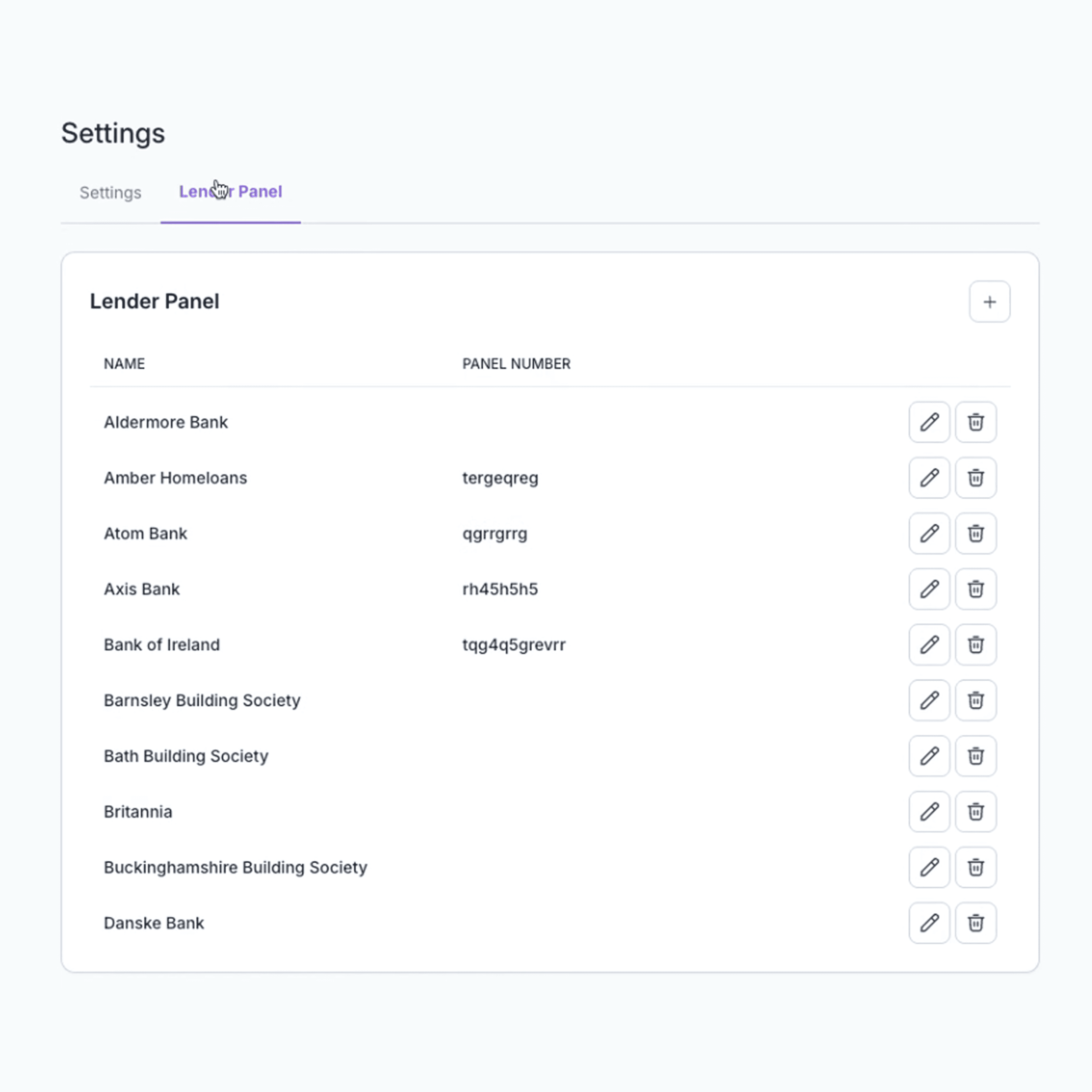
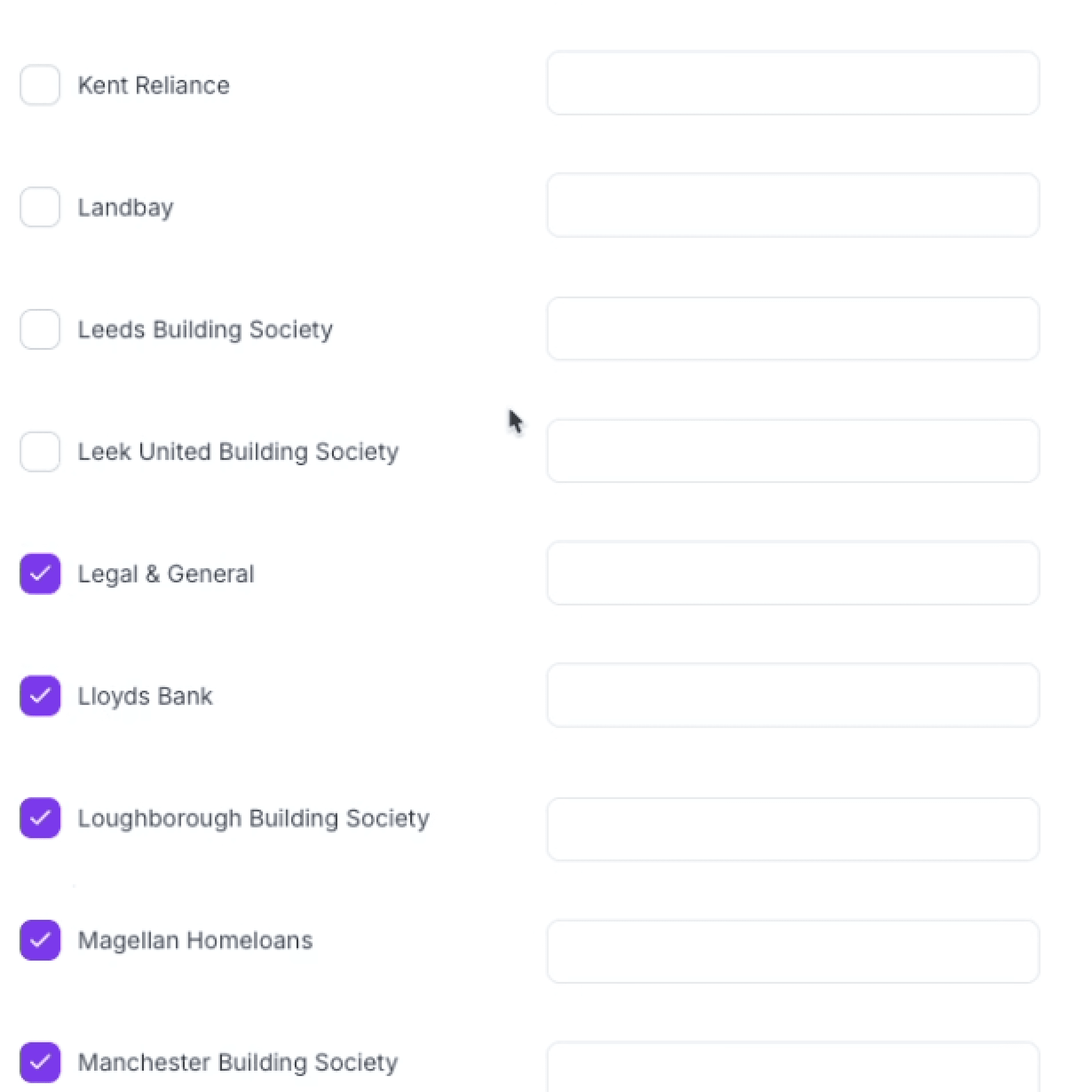
Lenders are displayed in a structured table with columns for Lender Name and Panel Number. Adding, editing, or removing lenders is simple and intuitive. The interface supports lenders with or without panel numbers and provides real time validation and error handling to prevent mistakes and maintain data consistency.
Seamless Frontend Integration
The Lender Panel block moves all lender management logic to the frontend, making updates immediate and transparent. Changes are reflected instantly while keeping all backend data in sync. This approach streamlines workflows and reduces reliance on technical support or manual backend updates.
Simplified Case Management
Centralising lender assignments means that Owners and Managers can quickly ensure that the correct lenders are linked to the right cases. This reduces errors, saves time, and allows teams to focus on more strategic tasks rather than manual administration.
Aligned with Homey UX
The design of the Lender Panel block follows Homey’s existing Settings page guidelines. Users benefit from a familiar layout and intuitive controls while gaining access to new functionality. This ensures a seamless experience without introducing unnecessary complexity.
Improved Workflow and Control
By bringing lender management into a single interface, authorised users have full control over panel selections. This update improves efficiency, reduces confusion, and makes day-to-day administration simpler and more reliable.